hexo博客部署云服务器
安装需要的依赖
1
| yum install -y curl-devel expat-devel gettext-devel openssl-devel zlib-devel
|
安装编译工具
1
| yum install -y gcc perl-ExtUtils-MakeMaker package
|
检查Git是否安装
安装Git:已经安装过的可以跳过这一步
添加用户并设置密码
创建博客目录
给博客目录增加相应读写权限
1
| chmod -R a+rw /home/blog
|
建立Git仓库
1
| cd /home/git git init --bare blog.git
|
给Git目录增加相应读写权限
新建钩子文件
1
| vim /home/git/blog.git/hooks/post-receive
|
在文件中添加
1
| git --work-tree=/home/blog --git-dir=/home/git/blog.git checkout -f master
|
这句命令是将存储库/home/git/blog.git强制检出并将文件放置到指定的工作树目录/home/blog最终博客生成的静态文件是存储到/home/blog文件夹下的
给钩子文件增加可执行权限
1
| chmod +x /home/git/blog.git/hooks/post-receive
|
安装Nginx
启动Nginx
1
| systemctl start nginx.service
|
在浏览器输入ip地址显示:
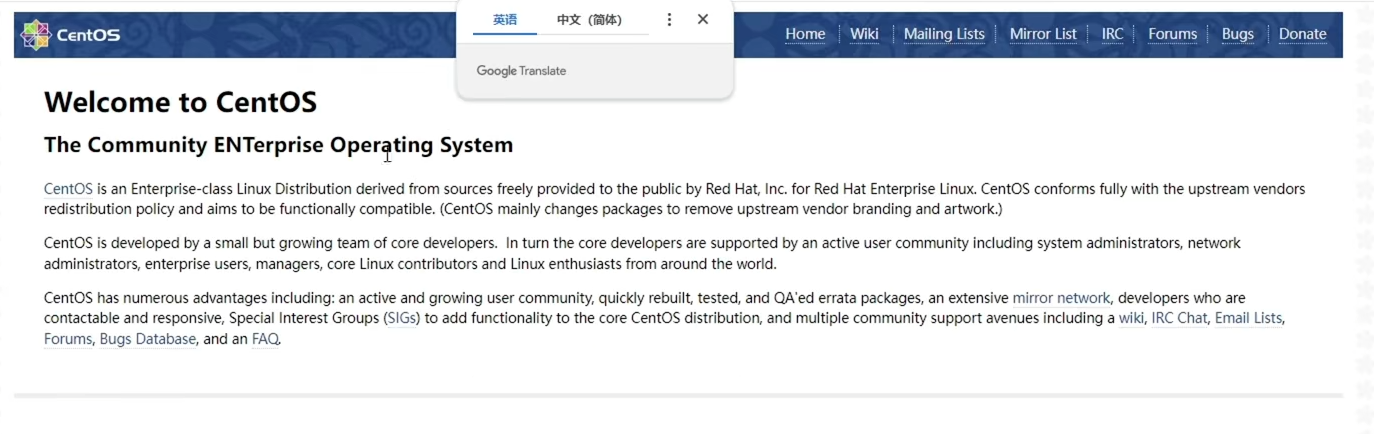
显示如上,这nginx启动成功
查看Nginx配置文件路径
修改Nginx的配置文件
1
| vim /etc/nginx/nginx.conf
|
注意:自己主机上的Nginx的配置文件路径
1
2
3
4
5
6
7
8
9
10
11
12
13
14
15
16
17
18
| server {
listen 80;
listen [::]:80;
server_name 服务器的IP地址或域名;
root 博客存放的路径;
include /etc/nginx/default.d/*.conf;
error_page 404 /404.html;
location = /404.html {
}
error_page 500 502 503 504 /50x.html;
location = /50x.html {
}
}
|
重启Nginx
1
| systemctl restart nginx.service
|
使用Git Bash进入Windows端博客目录
修改Hexo博客的根目录的配置文件
到文件底部修改
1
2
3
4
| deploy:
- type: git
repo: git@服务器IP或域名:/home/git/blog.git
branch: master
|
删除本地window的文件
文件路径示例:C:\Users\用户名\.ssh,中的known_hosts.old和known_hosts两个文件。
上传部署
1
2
3
| hexo clean
hexo g
hexo d
|
常见错误
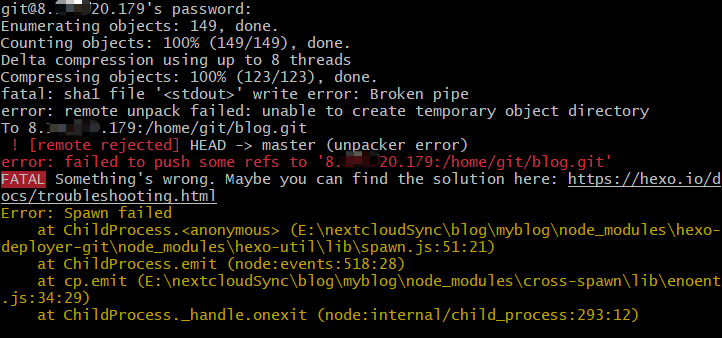
错误原因可能是仓库太干净了,没有README.md文件
在服务器的/home/git/blog.git目录下执行下面指令,让它识别出来是master分支
1
| echo "My Hexo Blog" > README.md
|
再重新上传部署